04 / 06 · Six ways in
Designer
UI/UX & Design Systems
Interfaces, icon systems and spaces. I design the screen and the thing around it, and I build both.
01
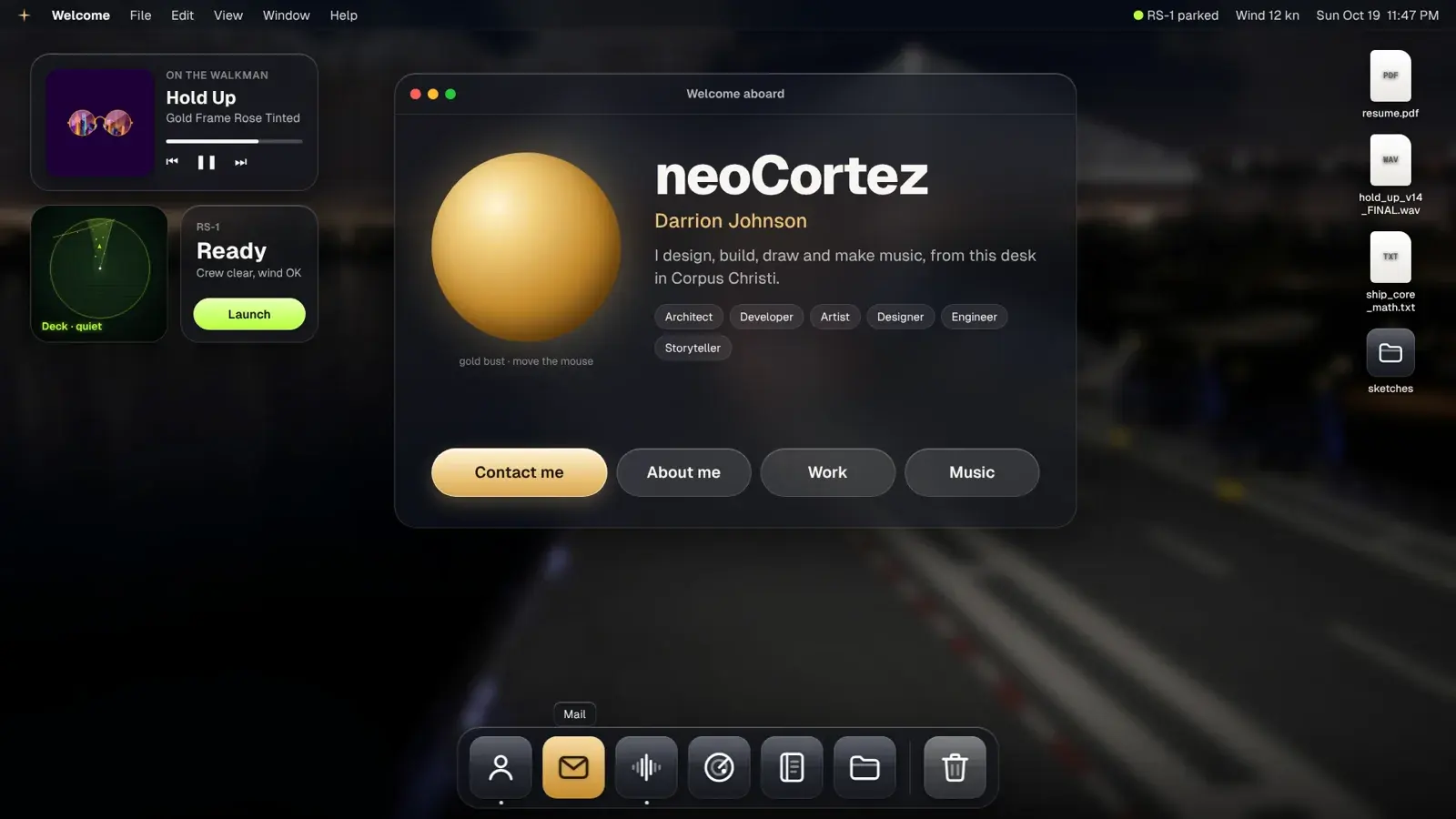
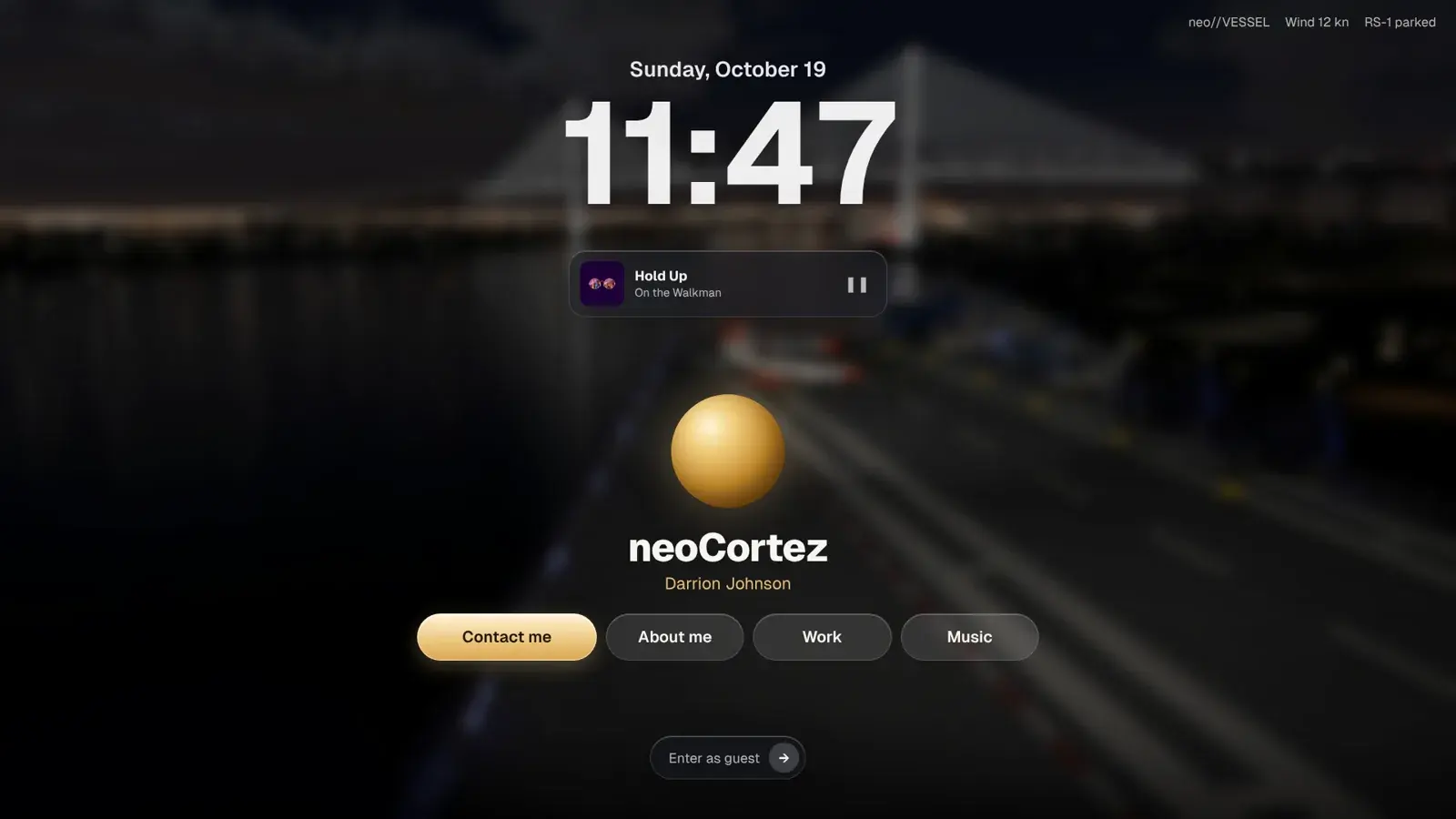
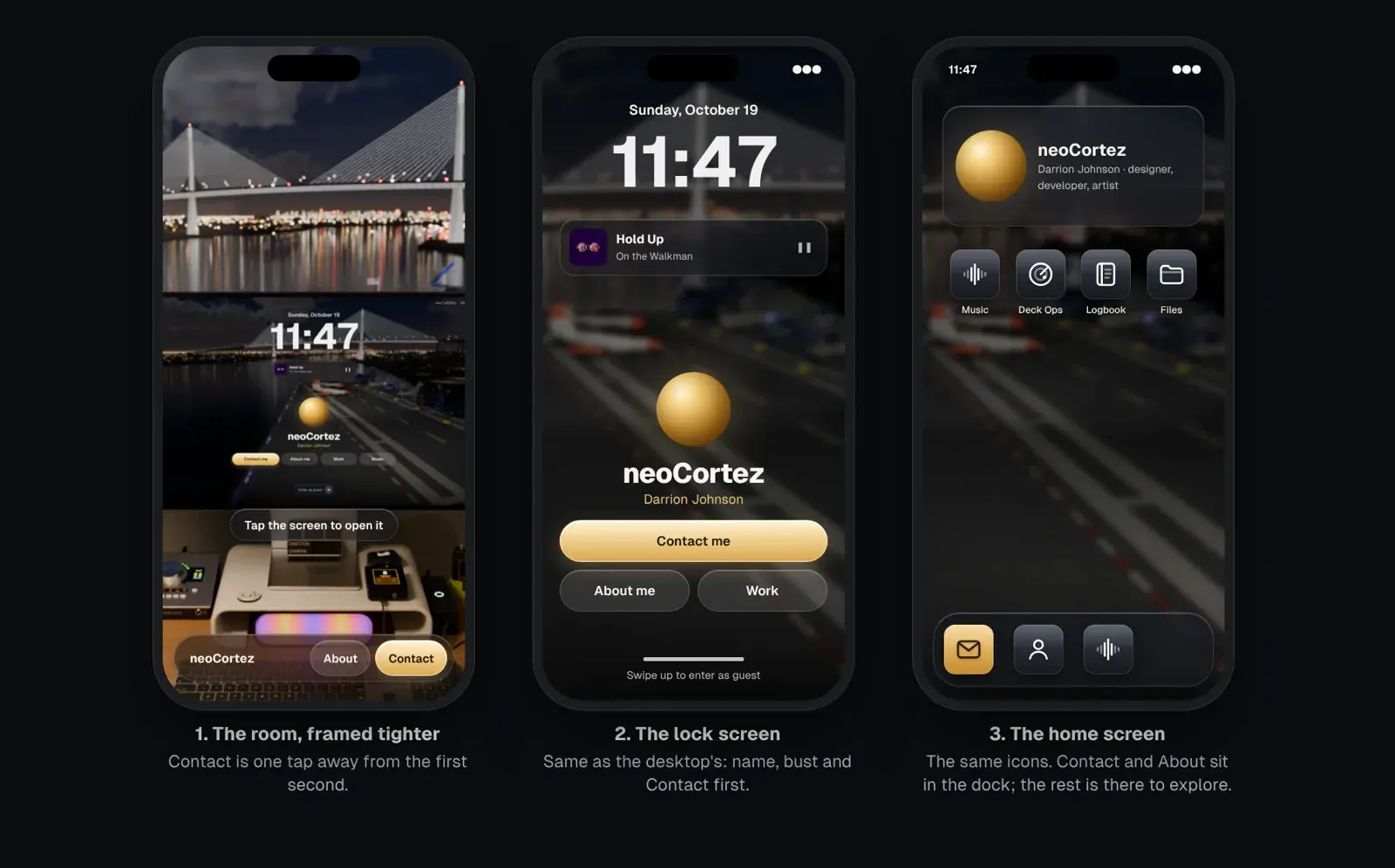
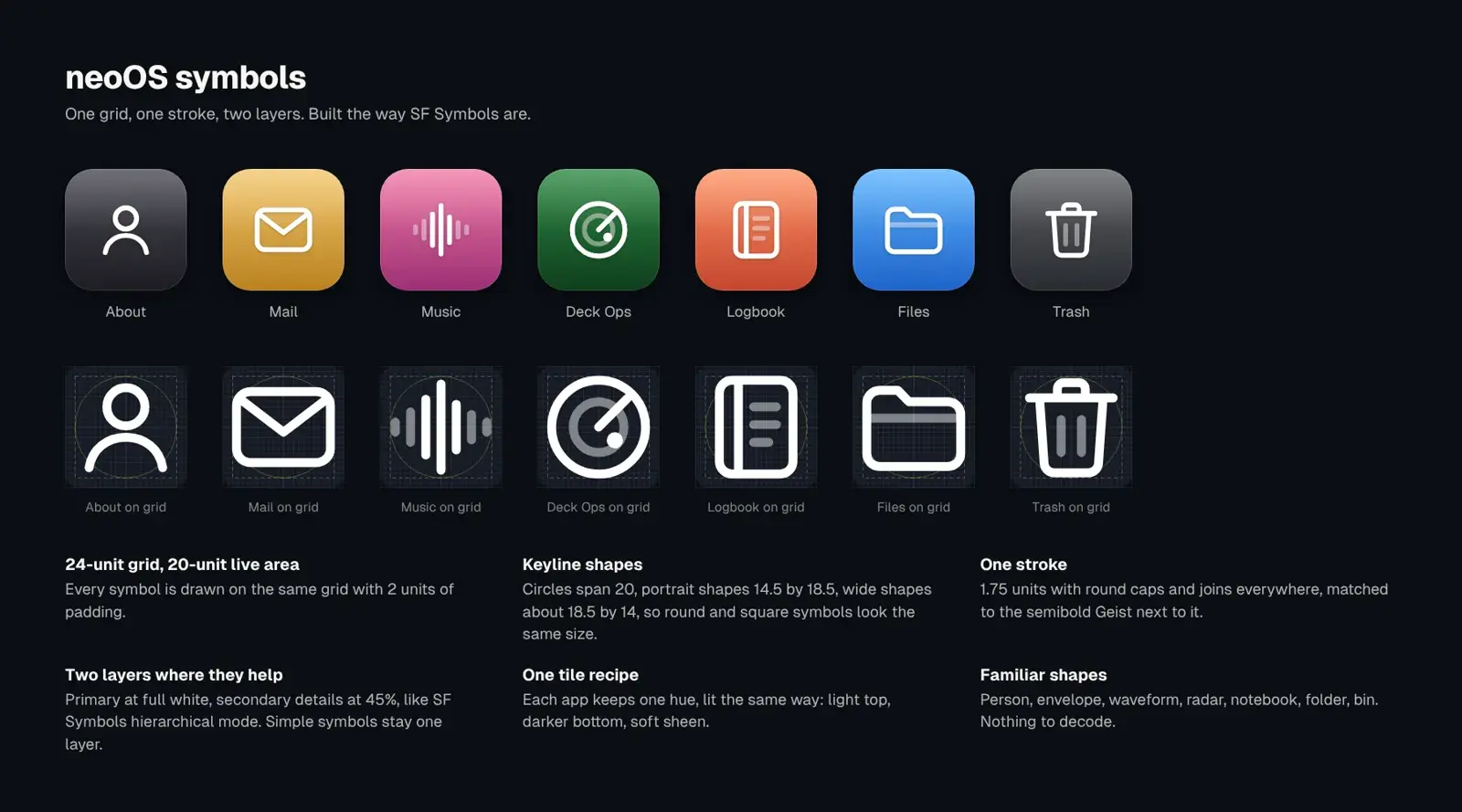
neoOS
A made-up workstation OS for the monitor in my 3D room. One glass material, one squircle icon family, and Contact one click away on every screen.
02
App interfaces
Widgets and screens from my iOS apps.
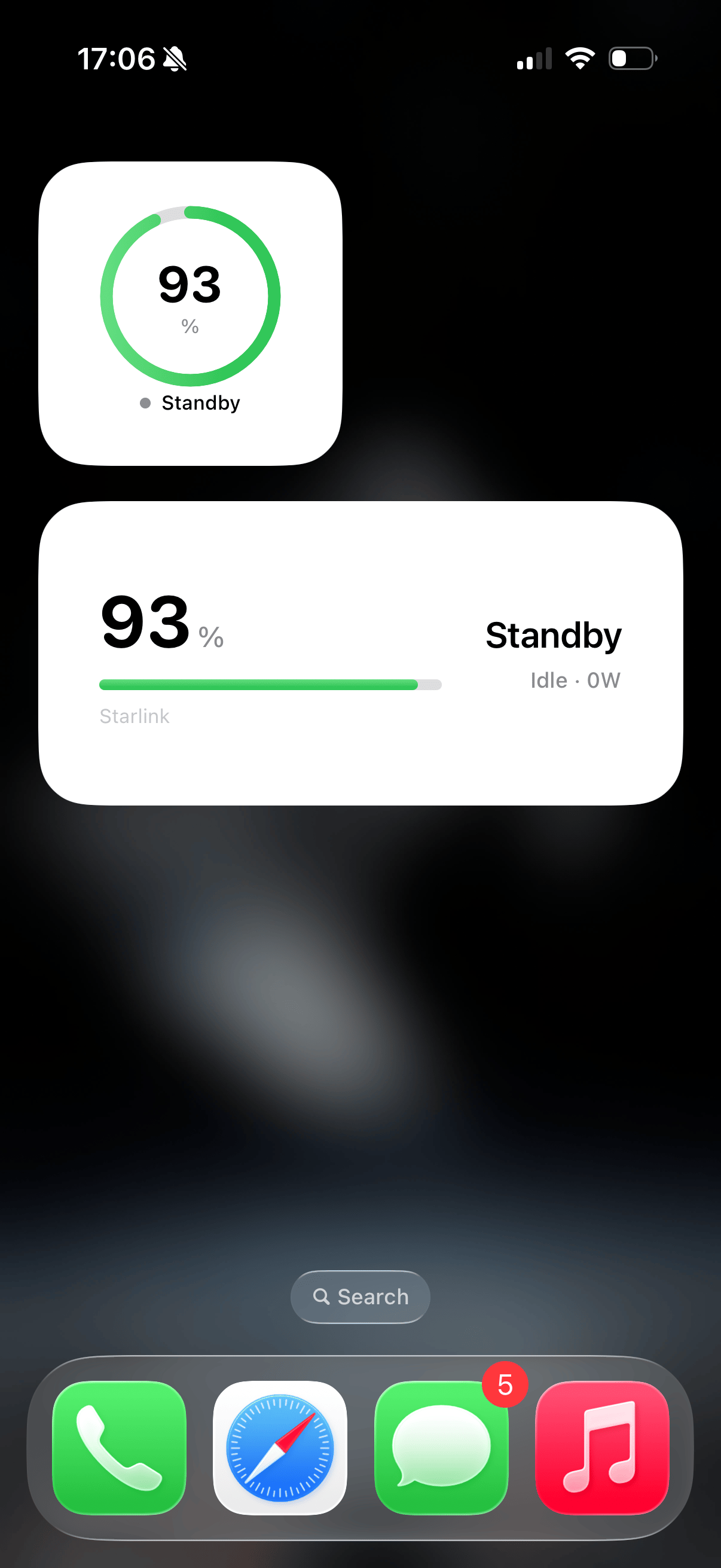
neoVolt widgets
Battery status for a Starlink Mini power pack, modelled on Apple’s own Batteries widget. The rules I hold every interface to came out of this work:
- Translation, not raw data
- A widget says “about 3 hours left”, not volts and amps. Raw numbers live one screen deeper.
- Colour carries meaning
- Green, orange and red only when the state changes. Everything else stays quiet.
- Progressive disclosure
- Each bigger size adds context, not more of the same data.
- Function first, with character
- Clear enough for a control room, but never stripped bland.
03
The room
My real desk in Texas, rebuilt in 3D and lit in Blender, at night over Corpus Christi.
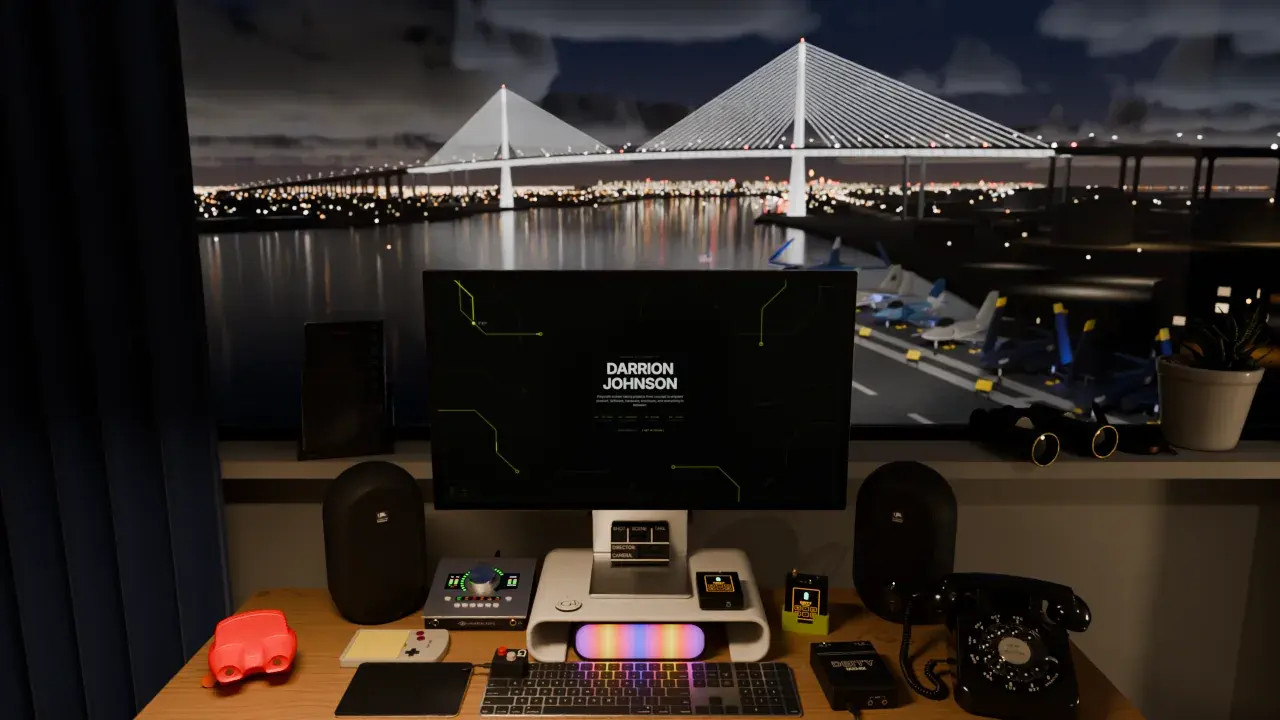
Art direction, layout and props: every object on the desk is something I own or made.
- Blender
- Light bake
- three.js
- Art direction
04
Design with me
Need an interface, an icon set or a whole look for a product? Send me what you have.
Start a conversation